Basic Concept of PWA Services
The concept of PWA is very well-known to the market. Every online store owner needs PWA services. So what is PWA, and what is the role of design in PWA?
Mobile has the following issue.
- Need proper storage space
- Download the app from the specific store – play store and Apple Store.
- Separate Development Process from scratch.
- The mobile app does not support offline.
As we know, modern mobile browsers are more capable of doing things with HTML, CSS, and Javascript.
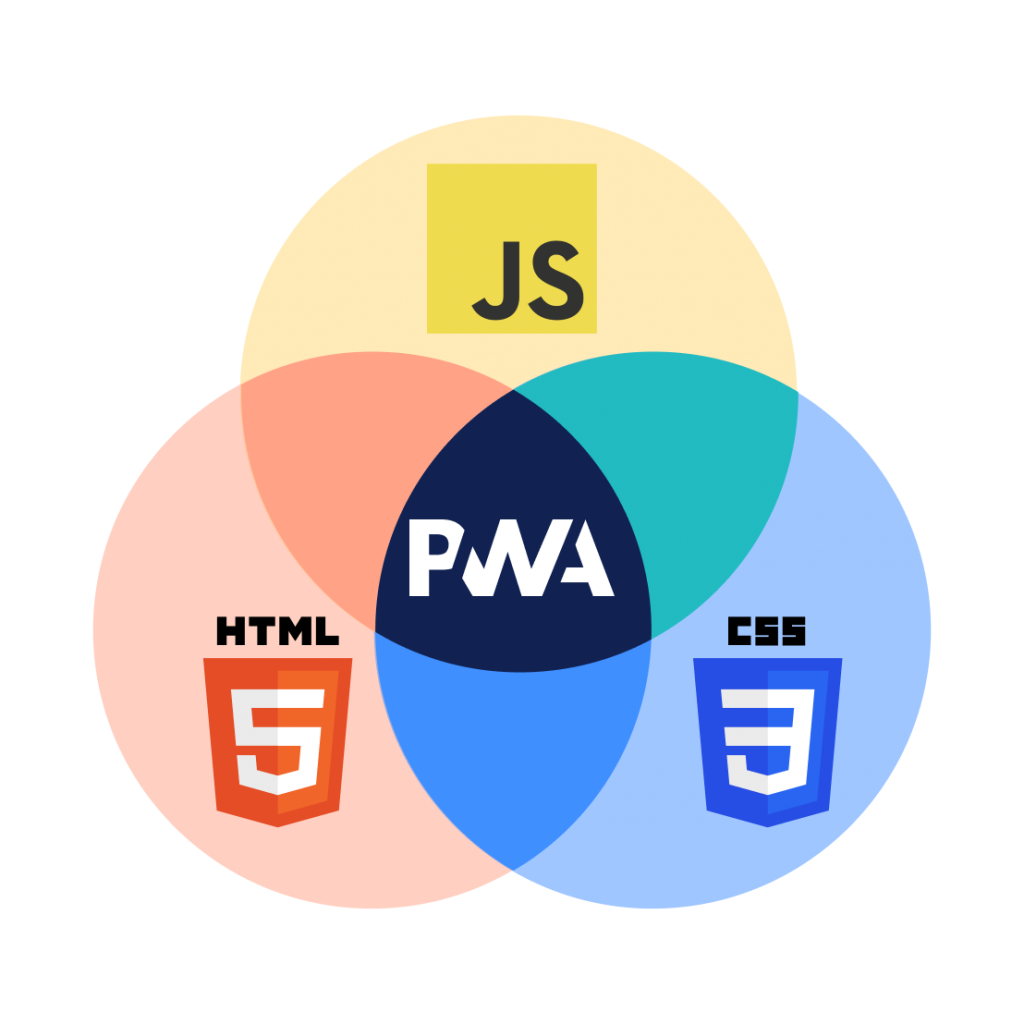
Just think, If we can place an order through mobile browsers from an e-commerce store. Then what is the need for mobile applications?
Then the concept of PWA UX design comes. PWA uses your browser to render the page as an app using HTML, CSS, and JavaScript.
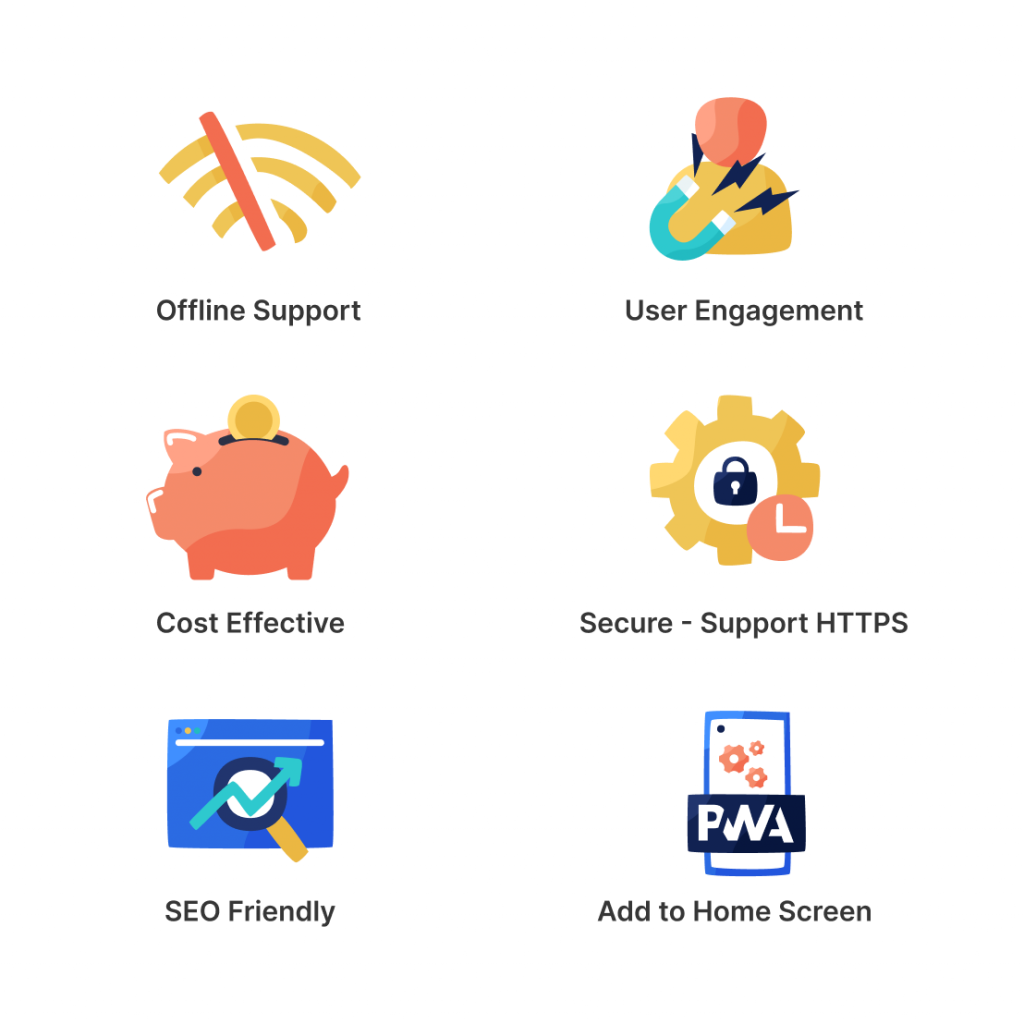
PWA is known for its feature, and the basics are as follows –
- Offline Support
- High conversion rate.
- User Engagement
- Cost-Effective
- Secure – Support HTTPS
- SEO Friendly
- Add to Home Screen
- Light Weight App
Here the role of the designer comes while designing any PWA –
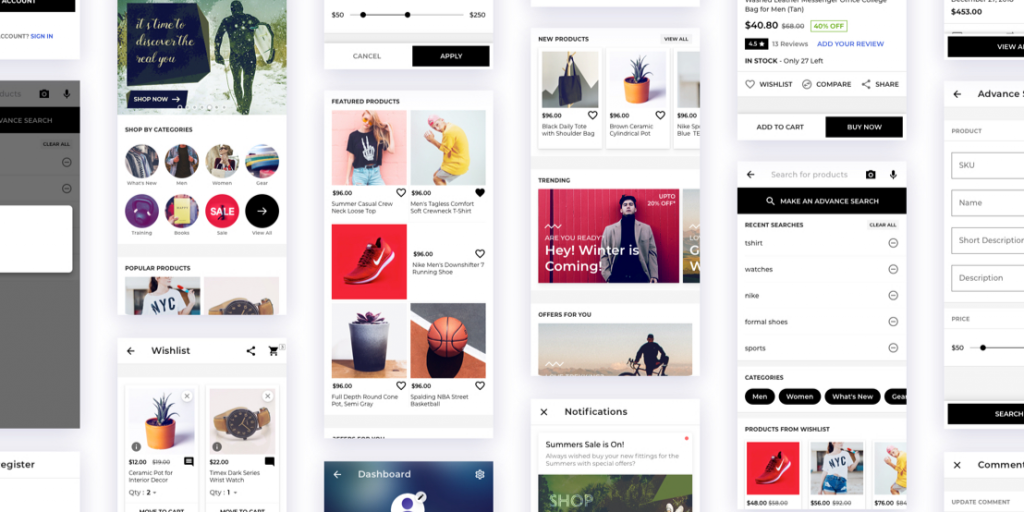
Page-Layout –
Follow the material guidelines for designing any page. Material guidelines provide a consistent layout across the devices.
App Icon –
Which shows on the desktop after installation. Developer needs a single icon following sizes 72x72x, 96×96, 128×128, 144×144, 152×152, 192×192, 384×384, 512×512 (in px) and a favicon icon.
Background Color –
The designer defines the background color for the app, which shows 2-3 sections with the app icon when the page gets loaded.
Accessibility –
All controls (Elements) are accessible by mouse, keyboard, and touch. Give proper padding and margin around the element.
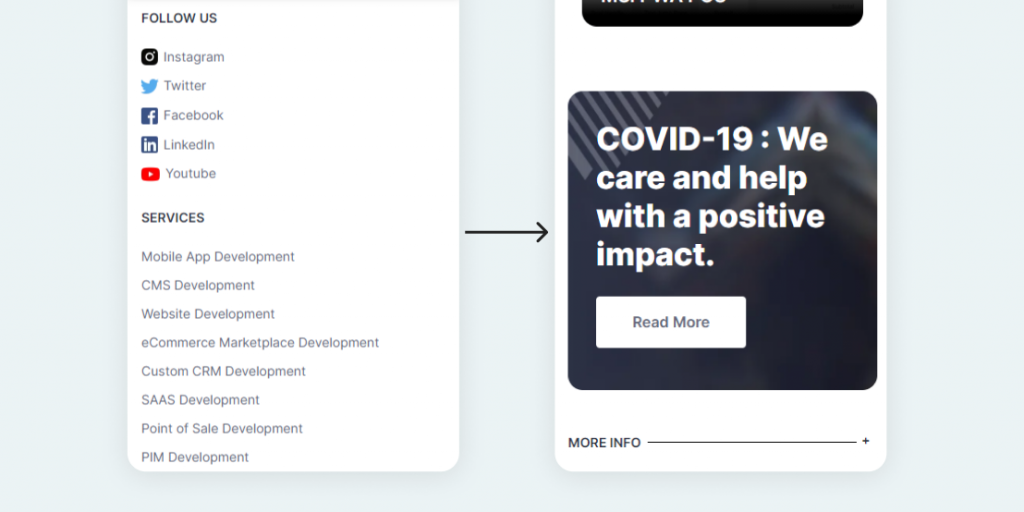
Accordion Footer –
The full-view footer in PWA is irritating. So you can use accordion for the footer or use bottom navigation.
System Font-
Use system fonts because they easily render. The system font gets rendered without any request.
Optimize Image-
Use Optimize and interlace images so that the page is quickly rendered.
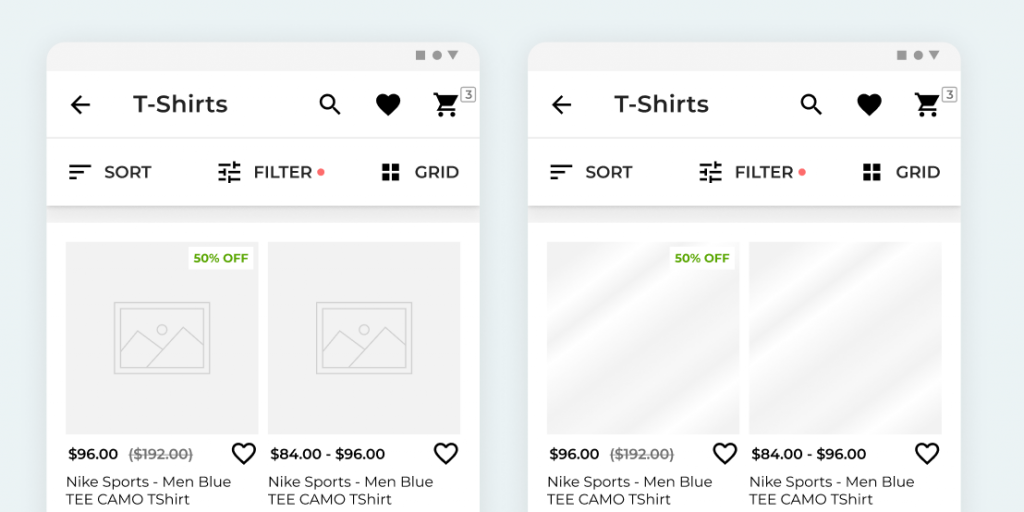
Use image placeholder-
In lack of image, placeholder layout gets scattered. You can use a normal image or add a shimmer effect. It is better for the user experience.
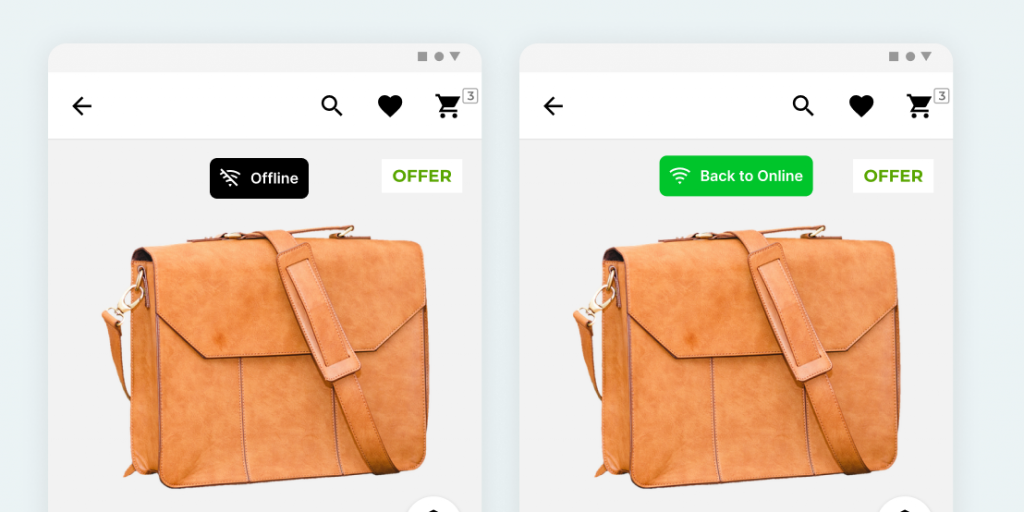
Network Notification –
Notify users about the online and offline switch.
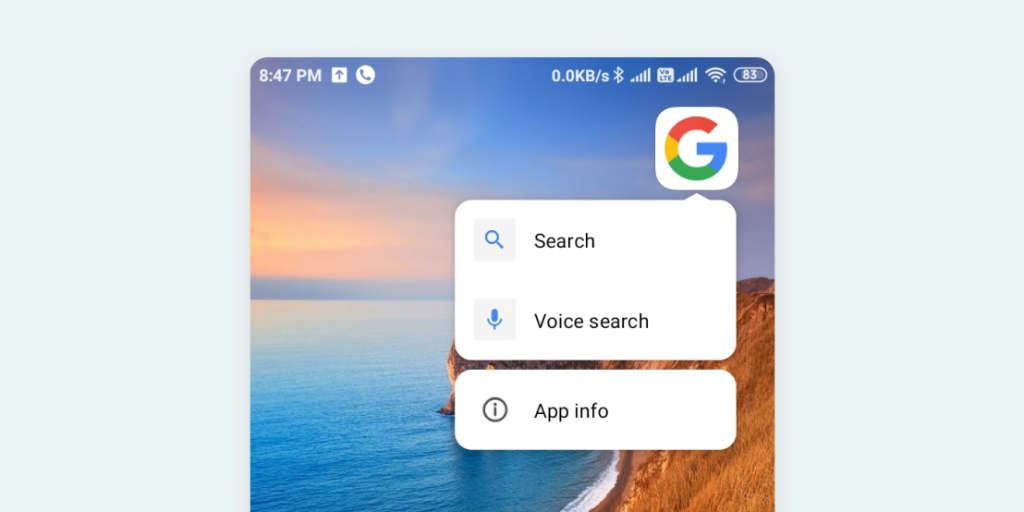
PWA Shortcut –
The shortcut also can be added in PWA. Add an icon before the text in the shortcut. The icon size of the shortcut is 96×96 px.
Nowadays, for better user experience, PWA supports various hardware supports like –
Media capture, Geolocation, Notifications, Contact picker, etc for full details you can check out What PWA Can Do Today
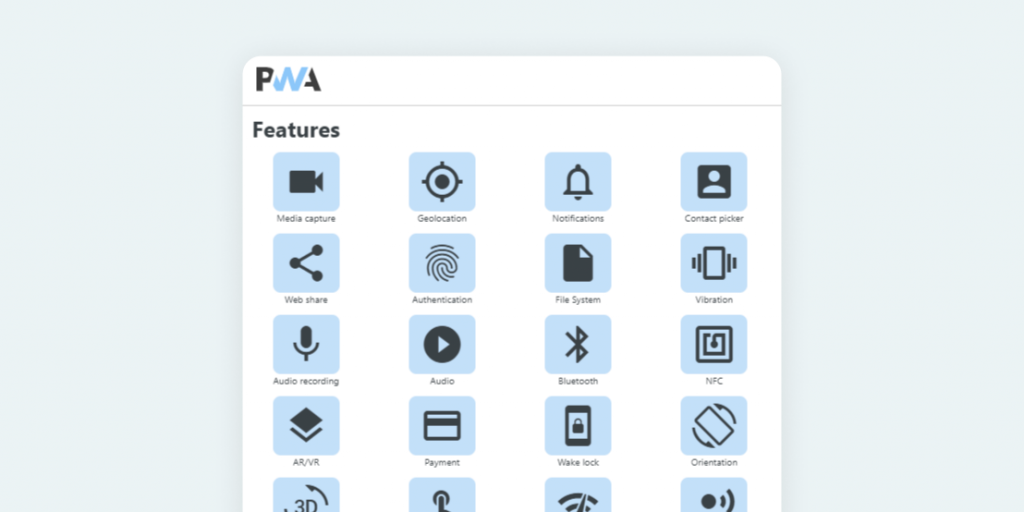
There are many other terms used in PWA like Service worker, manifest, etc.
but I cover only the basics of PWA as a designer.
Originally published on https://webkul.design/


Comments
Post a Comment